
Shop types
Made for the shops on your street.
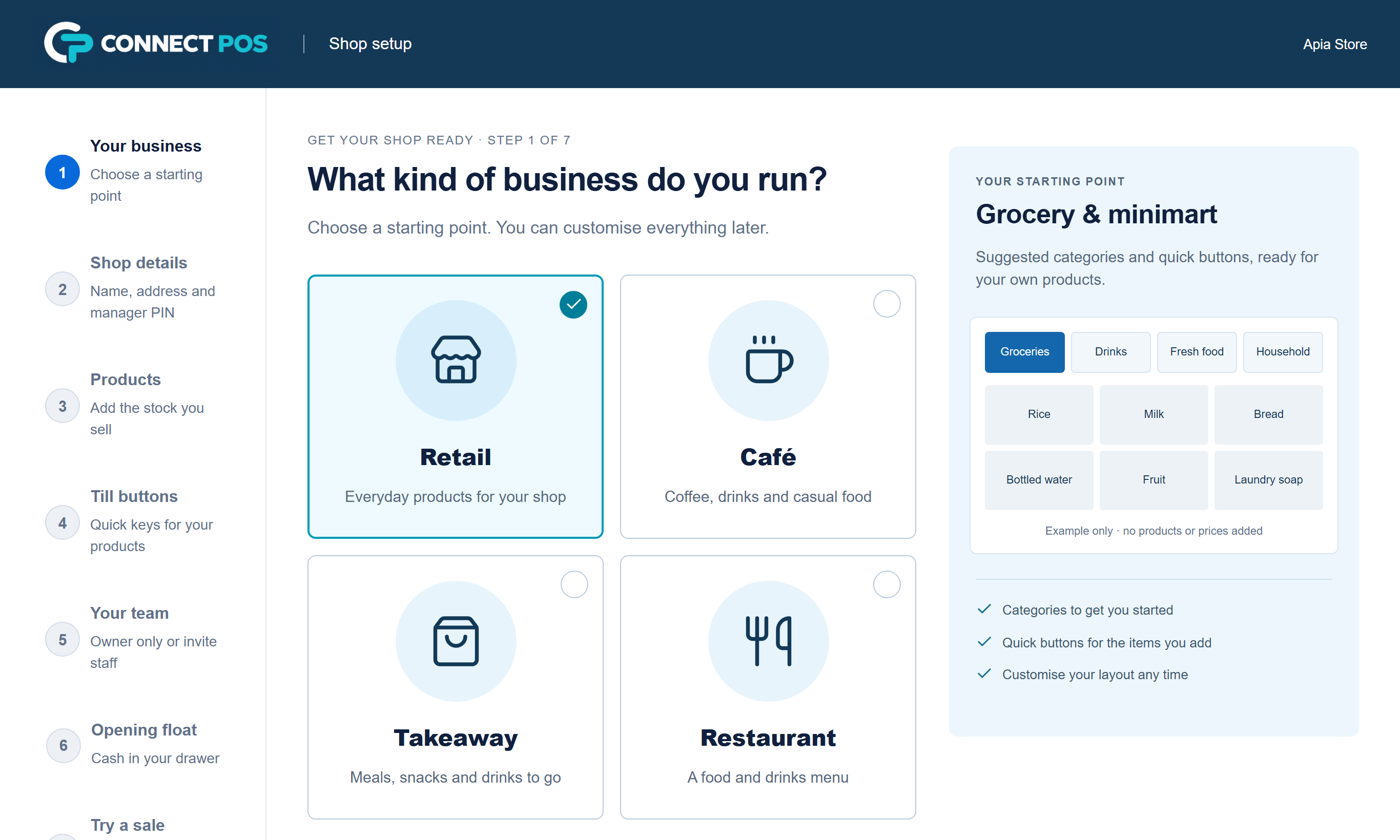
On the first day you choose your type of business. Connect POS starts you with categories and till buttons that suit it, ready for your own products and prices. It never adds made-up stock, and you can change any of it later.
Suggested plan: Starter or Shop
Shops and mini-marts
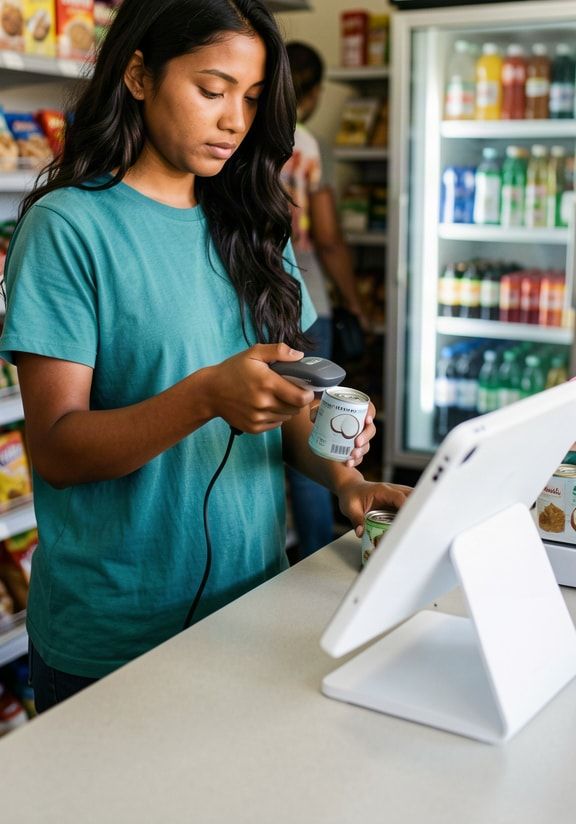
Most of your day is the same twenty items: bread, water, tinned fish, rice, phone top-up cards. Put them on quick buttons and scan the rest.
- Barcode scanning and search by name
- Quick buttons for your best sellers
- Stock counts and supplier deliveries
- Hold a sale while a customer runs back for something
- Daily cash-up with float and drawer count
Starting layouts for general retail, grocery and minimart, hardware and parts, fashion and gifts, and bakery and deli.
Suggested plan: Hospitality
Cafés
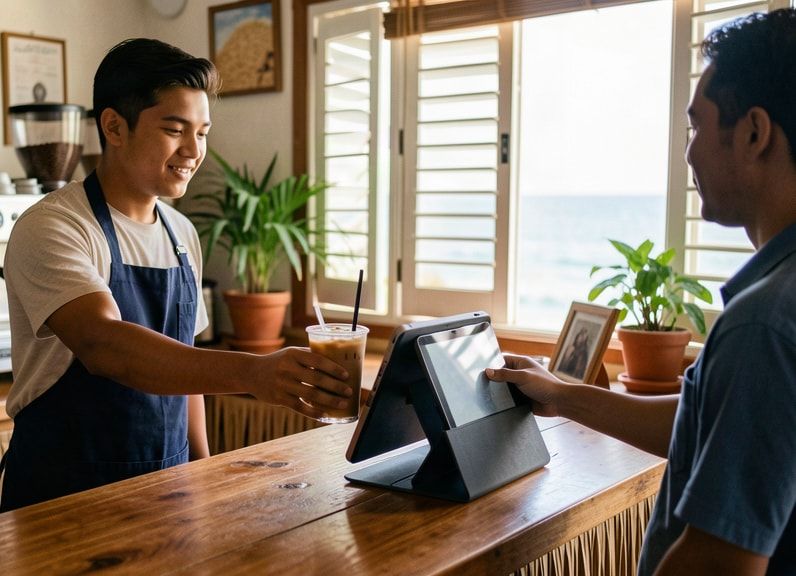
A flat white with soy milk, a large iced coffee, two panikeke. Item options keep the order right, and the kitchen sees it on its own screen.
- Item options such as size, milk and extras, with the price updated
- Send & hold for orders eaten in
- Pay & send for orders paid at the counter
- Kitchen screen with Queued, Preparing, Ready and Served
Suggested plan: Hospitality
Takeaways
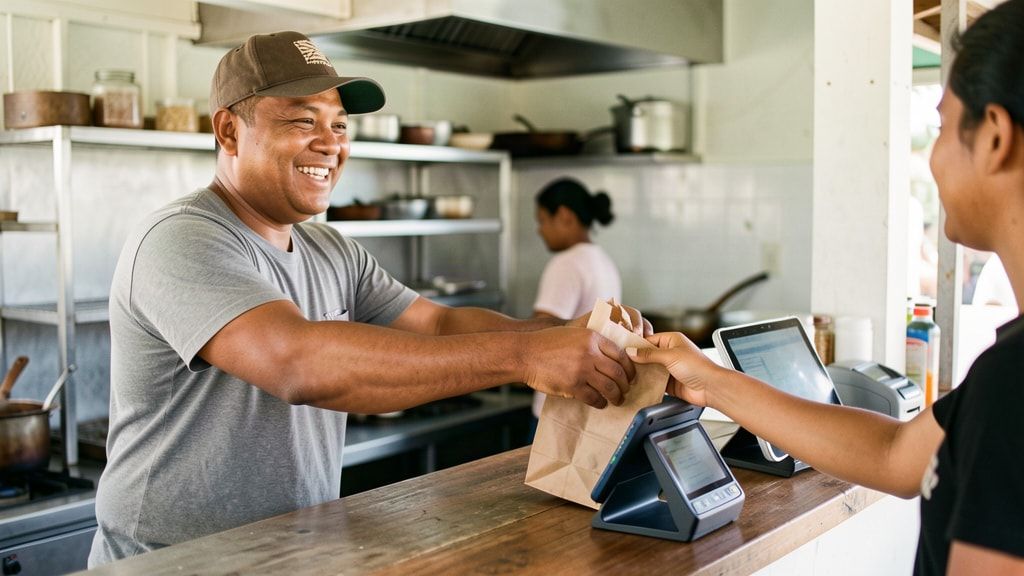
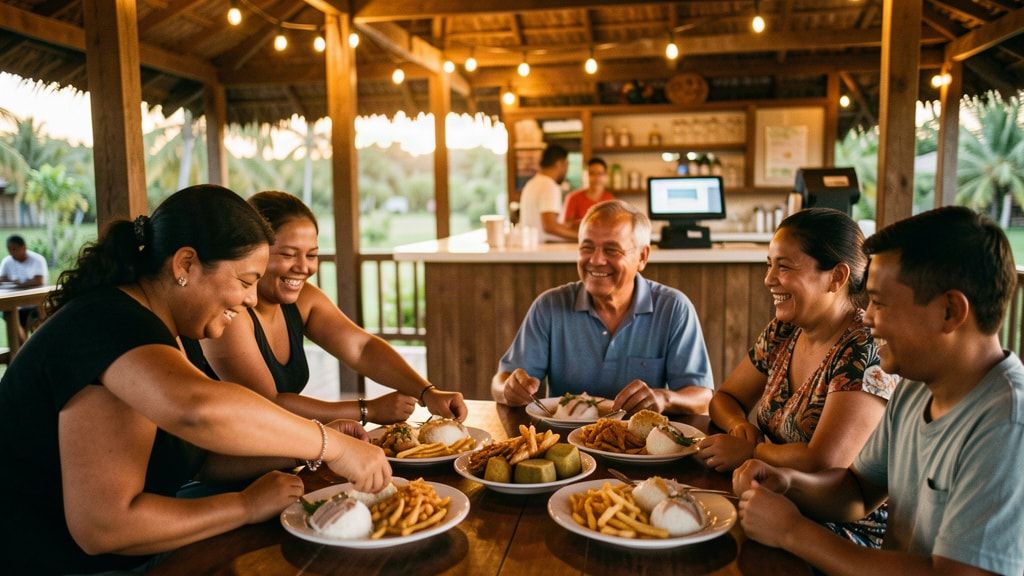
The lunch queue does not wait. Take payment, send the order to the kitchen in the same tap, and call out the name when it is ready.
- Pay & send in one step
- Takeaway, pickup or dine-in on each ticket
- A customer name or number and a kitchen note
- Ready tickets clearly marked for the counter
Suggested plan: Hospitality
Restaurants
Seat the table, send the first order, add dessert later, and settle one bill for the whole table when they are ready to go.
- Name your tables and set the seats
- Send a basket to a table and recall it to add more
- Move a group to another table with its bill and kitchen ticket
- One bill per table, paid together
Same till, more buttons
Hospitality shops get kitchen buttons above the till.
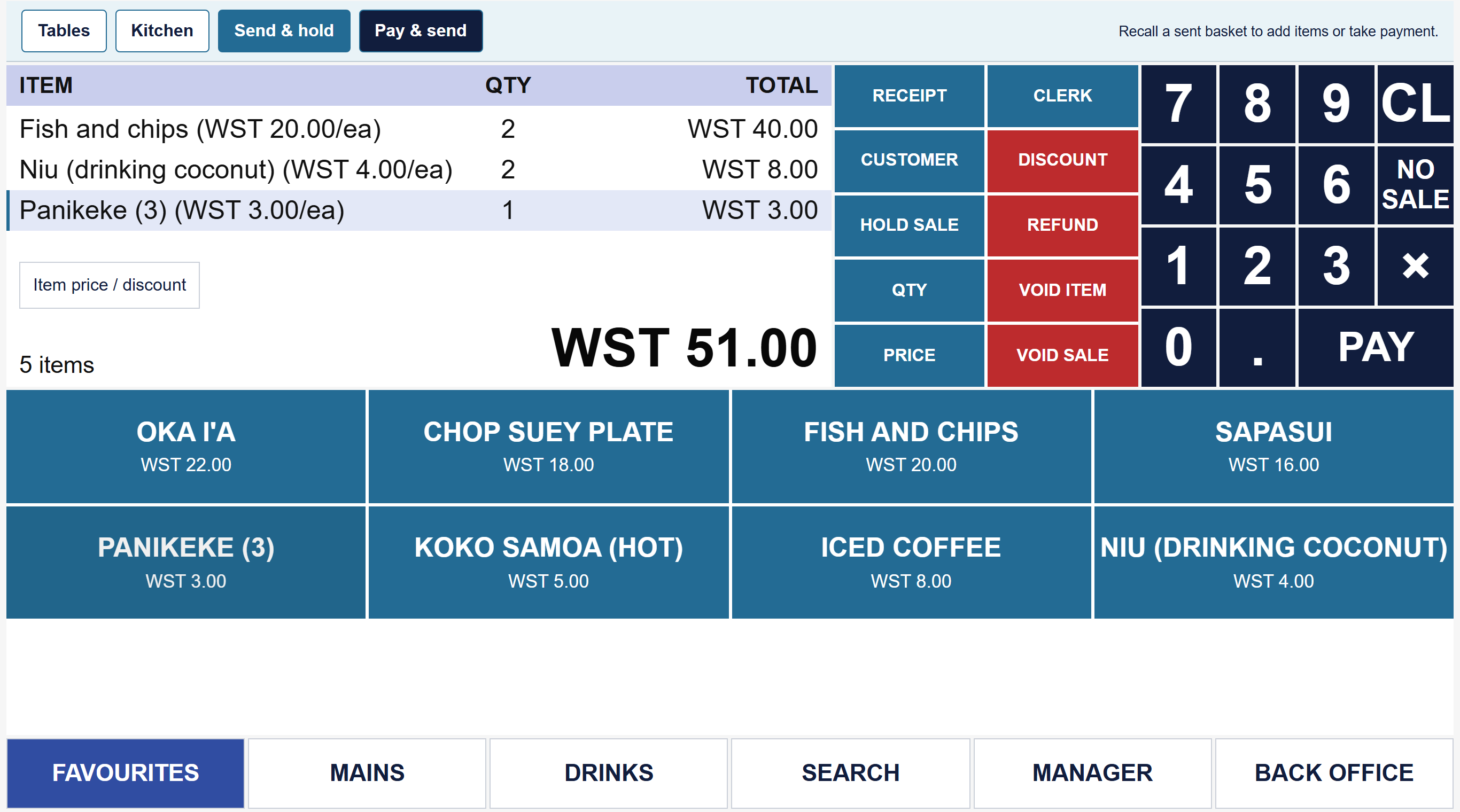
Choose café, takeaway or restaurant and the till adds Tables, Kitchen, Send & hold and Pay & send above the familiar sales screen. Everything else works the same, so staff who know one Connect POS shop know them all.
Something else?
Parts shops, gift shops and more.
If you sell items over a counter and take payment, call us and describe your counter. Most shops can start with the general retail layout and make the buttons their own.
Talofa lava
See it with your own products.
Tell us what you sell and how you run the counter now. We will set up a demo with your own items and prices, show you around, and answer every question. It is free, and there is no pressure to sign up.
Rather talk to a person? Call Connect IT in Samoa.
+685 27313+685 27333Or email sales@connectitsamoa.com, or message Connect IT Samoa on Facebook.